
Financial Solutions Built for the Mission of Government
Thank you for joining Tyler Technologies at GFOA's 120th Annual Conference, June 28–July 1, 2026 in Chicago.
Discover how Tyler’s trusted Financial ERP and Payments solutions help governments serve their communities more effectively, today and into the future. Our product specialists will demonstrate how to simplify budgeting, streamline payments, and turn real-time data into strategic decisions. With deep public sector expertise and a forward-looking approach, Tyler delivers solutions designed to grow and adapt as government needs evolve. We understand the complexities you face, and we’re built for what’s next.
Explore What's Next

On July 29, 2 p.m. ET we’ll demonstrate how Enterprise ERP empowers organizations with stronger financial controls, streamlined budgeting, and AI-driven insights that support data-driven decisions.
Register
Join us for a webinar series to explore solutions that will allow you to simplify inbound and outbound payment workflows, enabling frictionless resident interactions, efficient reporting and transparency, and secure and compliant processing.
Sign Up
ERP Pro is designed for small to mid-size organizations to improve financial and personnel management, streamline utility billing, and empower your citizens. Register for a high level demo exploring this industry-leading solution.
Register
Priority Based Budgeting gives you a smarter, more transparent way to align spending with the programs that matter most to your community, all through the power of AI-driven insight and analysis.
Learn More
Anthony Libby
Senior Solutions Consultant

Morgan Jines
Vice President of Sales, Payments

Olive Mertes
Product Analyst, Cashiering
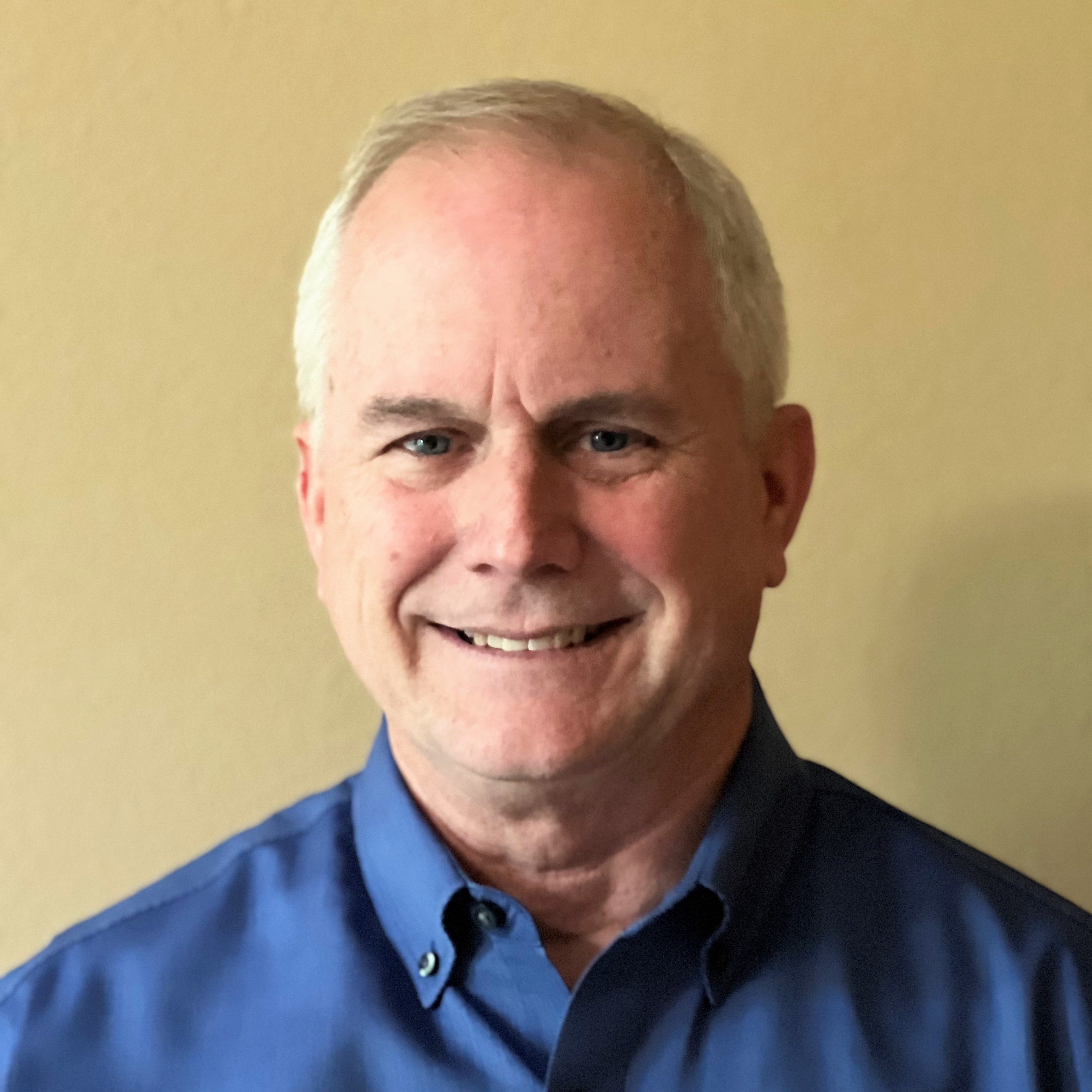
Mark Workman
Senior Solutions Consultant

Chris Fabian
Senior Director of Product Strategy, ERP Budgeting

Nick Altman
Lead Solutions Consultant
ERP Pro is designed for small to mid-size organizations to improve financial and personnel management, streamline utility billing, and empower your citizens. Register for a high level demo exploring this industry-leading solution.

PROVIDE INTERNAL TRAINING
School employees need access to the tools that will help them do their jobs well.

SET YOURSELF UP FOR SUCCESS
Don't wait until we return to "normal" to implement needed improvements in your school.

CONSIDER ENABLING REMOTE WORK
School districts are adopting remote work features to ensure efficient operation.

SELECT THE RIGHT PARTNER
For schools, choosing the right ERP partner involves a long-term commitment.
Our Experts
Visit Us at GFOA - Booth #421!
Sunday, June 5 — Tuesday, June 7
Discover More

Technology: Empowered by Insight
Support evolving business demands with modern technology.

Financial Management: Empowered by Data
Address the financial and accounting needs of your school district.

Procurement: Empowered by Connectivity
Improve the purchasing power of your school district.

We felt like we came from a creaky chain operation to a well-oiled machine. All the things we wanted to do in our department and dreamed of doing were all offered by Tyler. We have not been disappointed. We moved out of the dark ages.
Patti Rushin, Finance Manager
City of Milledgeville, Georgia
UPCOMING DEMOS: See Finance & Payments Innovation in Action
Register for our upcoming demos and webinar series to discover how modern ERP and payments solutions can strengthen financial controls, streamline workflows, and deliver AI-driven insights. Explore the events calendar to find sessions on connected finance operations and frictionless, secure payment experiences.
Register for an Upcoming Demo
See how Enterprise ERP helps mid‑to‑large organizations unify financials, HR, payroll, procurement, and revenues into one system of record, eliminating silos and increasing visibility across organizations. You'll see how teams improve oversight, strengthen controls, and support complex operations at scale.
ERP Pro
ERP Pro is purpose-built for small to mid-size governments looking to modernize core financials, HR, payroll, and utility billing with simplicity. In this demo, you’ll see how ERP Pro simplifies daily operations, improves service delivery, and helps staff do more with fewer resources.
Enterprise Payments
Discover Tyler’s Enterprise Payments platform, purpose-built for government and trusted by more than 9,000 agencies nationwide. This demo shows how organizations centralize revenue collection, support multiple payment channels and departments, and manage transactions end-to-end, regardless of billing system or revenue source.
Payments
See how Tyler’s Payments solution enables government agencies to manage the entire payment life cycle directly within their systems of record. You’ll learn how native integration with Enterprise ERP and ERP Pro eliminates reconciliation headaches, improves security, and delivers a seamless experience for staff and payers alike.
Priority Based Budgeting
Priority Based Budgeting helps communities make smarter, more transparent budget decisions by aligning funding with the outcomes that matter most. Join us and discover how leaders evaluate tradeoffs, clearly communicate priorities, and build budgets that reflect community values.
AP Automation
AP Automation modernizes accounts payable by automating invoice capture, approval, payments, and reconciliation within Tyler ERP. See first-hand AI-powered invoice processing, real-time payment options, and fraud controls in action and how they reduce manual work while improving accuracy and vendor relationships.
Cashiering
See how Tyler’s cloud-based Cashiering solution simplifies revenue collection across departments and locations. This demo will highlight how agencies improve speed, accuracy, and consistency at every collection point, giving staff a better experience and payers more convenient options.
ACFR Statement Builder
Tyler’s ACFR Statement Builder streamlines annual financial reporting with guided workflows that take you from setup to audit-ready statements faster. In this demo, you’ll see how agencies reduce manual effort, improve accuracy, and approach audits with confidence.
Powered by
REGISTER NOW
Register to reserve your spot for an in-person demo in booth #233.
Thank you for registering . Check your email for details.
Want more information?
Change the backgound image with "Block Left Background Image" and change the color with "Block Left Color"
Download NowHave questions?
Change the backgound image with "Block Right Background Image" and change the color with "Block Right Color"
Ask a Question
6 Must-Ask Questions to Find the Right ERP Provider
Learn the six must-ask questions that should be a part of a local government's process to select an ERP provider to meet its needs now and in the future.
ERP for Small to Mid-Size Organizations
ERP Pro, powered by Incode®, simplifies the management and reporting of small to mid-size local government financial data and gives you the power to centrally control the flow of revenue and expenses across your community.

ERP for Mid-Size to Large Organizations
Enterprise ERP, powered by Munis®, gives local governments the ability to see beyond organizational divisions, monitor key business intelligence across departments, identify trends from year to year, track workflow, and much more.
Checker Board Module: Fourth Row
Edit the text in this module just like a Word Doc: Use italic, bold, embed images, videos, links, add or remove the button. There are 4 rows total, two are hidden by default. PLEASE NOTE: To turn on the hidden rows, use the toggles Board Third Row Section & Board Fourth Row Section Add a link to the image using the variable Board Fourth Row Link.
View ProjectLooking for a product demo on how you can Achieve More with Munis?
Tyler Technologies will help you discover how the right technology can totally reshape the way school districts deliver services, make themselves accessible to the community, and do business with vendors and partners.

5 Must-Ask Questions to Find the Right ERP Provider
Learn the five must-ask questions that should be a part of a school district's process to select an ERP provider to meet its needs now and in the future.

The Possibilities are Endless
Greenville City Schools in Tennessee turned to Tyler's Munis ERP software to streamline their outdated financial and HR processes that were longer serving the district's growing needs. Updated processes and enhanced efficiencies have allowed the district to redirect resources back to the classroom.

District Meets Critical Business Needs Remotely
Central Bucks School District turned to Tyler to handle its financial and human resource management needs with accuracy, transparency, and efficiency. Right before they kicked off the implementation process, the school district directed all employees to work from home due to COVID-19. Virtual implementation has kept the project moving with no delays.

Checker Board Module: First Row
Edit the text in this module just like a Word Doc: Use italic, bold, embed images, videos, links, add or remove the button. There are 4 rows total, two are hidden by default. PLEASE NOTE: To turn on the hidden rows, use the toggles Board Third Row Section & Board Fourth Row Section Add a link to the image using the variable Board First Row Link.
View Project
Checker Board Module: Second Row
Edit the text in this module just like a Word Doc: Use italic, bold, embed images, videos, links, add or remove the button. There are 4 rows total, two are hidden by default. PLEASE NOTE: To turn on the hidden rows, use the toggles Board Third Row Section & Board Fourth Row Section Add a link to the image using the variable Board Second Row Link.
View Project5 Must-Ask Questions to Find the Right ERP Provider
Learn the five must-ask questions that should be a part of a school district's process to select an ERP provider to meet its needs now and in the future.
Checker Board Module: Second Row
Edit the text in this module just like a Word Doc: Use italic, bold, embed images, videos, links, add or remove the button. There are 4 rows total, two are hidden by default. PLEASE NOTE: To turn on the hidden rows, use the toggles Board Third Row Section & Board Fourth Row Section Add a link to the image using the variable Board Second Row Link.
View Project