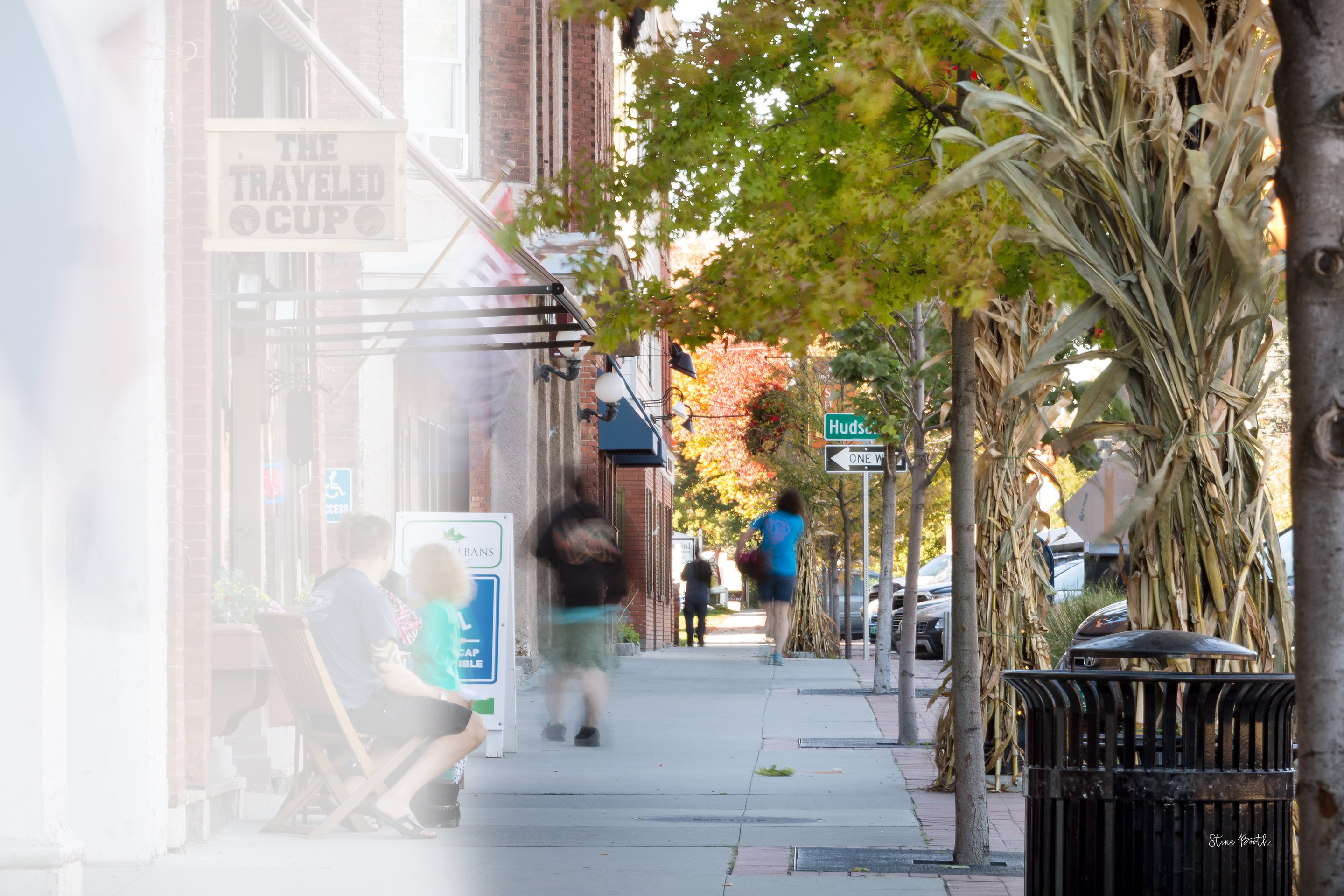
City of Saint Albans,
Vermont

Work Location Start Date
- May 4, 2023 - Unincorporated Area of West Dover Hundred
- December 12, 2022 - Unincorporated Areas of North Murderkill Hundred and Milford Hundred
- Oct. 21, 2022 - Unincorporated Areas of East Dover Hundred, Mispillion Hundred, and South Murderkill Hundred
- Aug. 24, 2022 - Unincorporated Areas of Little Creek Hundred and Duck Creek Hundred
- June 27, 2022 - Corporate Town Limits of Felton, Farmington, Houston, Harrington, and Milford
- June 22, 2022 - Corporate Town Limits of Woodside, Bowers, Magnolia, Frederica, and Viola
- May 2, 2022 - Towns of Little Creek, Wyoming, and Camden
- Jan. 14, 2022 - City Limits of Dover
- Jan. 5, 2022 - Corporate Town Limits of Leipsic, Hartly, and Cheswold
- Nov. 19, 2021 - Corporate Town Limits of Smyrna
- Nov. 10, 2021 - Corporate Town Limits of Kenton
- Oct. 21, 2021 - Corporate Town Limits of Clayton
News
Watch a Full Recorded Demo
Cards Module
Click to Edit
Use the Variables Section on right to change the image. Look for Cards Top Left Image, then add the URL for your image into the box provided. You can use any image from any source: TylerTech.com, Marketo Design Studio, etc.
Click to Edit
Use the Variables Section on right to change the image. Look for Cards Top Right Image, then add the URL for your image into the box provided. You can use any image from any source: TylerTech.com, Marketo Design Studio, etc.
Click to Edit
Use the Variables Section on right to change the image. Look for Cards Bottom Left Image, then add the URL for your image into the box provided. You can use any image from any source: TylerTech.com, Marketo Design Studio, etc.
Click to Edit
Use the Variables Section on right to change the image. Look for Cards Bottom Right Image, then add the URL for your image into the box provided. You can use any image from any source: TylerTech.com, Marketo Design Studio, etc.
Quote Module: PSAP consolidation has demonstrated cost savings amount political entities via shared equipment, personnel, and phisical facilities.
Donald Harpster
IT Coordinator, Stark County Sheriff's Office, Ohio
-
Reassessment Data Collection Moves Into New Areas
December 12, 2022
-
Property Reassessment Data Collectors Moving Into Smyrna
November 19, 2021
-
Kent County Set To Hold Public Meetings for Property Reassessment
September 28, 2021
Citywide Property Reassessment
The City of Saint Albans reassessment project is now complete. If you have questions or concerns, please contact:
Saint Albans City’s Assessors Office
802.524.1500 x262
Email: [email protected]
Thank you for reaching out. Check your email for details.
- Income and Expense Form (Blank)
- Income and Expense Form (With Instructions)

Checker Board Module: First Row
Edit the text in this module just like a Word Doc: Use italic, bold, embed images, videos, links, add or remove the button. There are 4 rows total, two are hidden by default. PLEASE NOTE: To turn on the hidden rows, use the toggles Board Third Row Section & Board Fourth Row Section Add a link to the image using the variable Board First Row Link.
View Project
Have additional questions?
We compiled a list of frequently asked questions to help you better understand how a reassessment works and how it affects you. Click the link below to review the questions and responses.
View FAQChecker Board Module: Third Row
Edit the text in this module just like a Word Doc: Use italic, bold, embed images, videos, links, add or remove the button. There are 4 rows total, two are hidden by default. PLEASE NOTE: To turn on the hidden rows, use the toggles Board Third Row Section & Board Fourth Row Section Add a link to the image using the variable Board Third Row Link.
View ProjectChecker Board Module: Fourth Row
Edit the text in this module just like a Word Doc: Use italic, bold, embed images, videos, links, add or remove the button. There are 4 rows total, two are hidden by default. PLEASE NOTE: To turn on the hidden rows, use the toggles Board Third Row Section & Board Fourth Row Section Add a link to the image using the variable Board Fourth Row Link.
View Project
Checker Board Module: First Row
Edit the text in this module just like a Word Doc: Use italic, bold, embed images, videos, links, add or remove the button. There are 4 rows total, two are hidden by default. PLEASE NOTE: To turn on the hidden rows, use the toggles Board Third Row Section & Board Fourth Row Section Add a link to the image using the variable Board First Row Link.
View Project
Checker Board Module: Second Row
Edit the text in this module just like a Word Doc: Use italic, bold, embed images, videos, links, add or remove the button. There are 4 rows total, two are hidden by default. PLEASE NOTE: To turn on the hidden rows, use the toggles Board Third Row Section & Board Fourth Row Section Add a link to the image using the variable Board Second Row Link.
View Project
Checker Board Module: First Row
Edit the text in this module just like a Word Doc: Use italic, bold, embed images, videos, links, add or remove the button. There are 4 rows total, two are hidden by default. PLEASE NOTE: To turn on the hidden rows, use the toggles Board Third Row Section & Board Fourth Row Section Add a link to the image using the variable Board First Row Link.
View Project
Checker Board Module: Second Row
Edit the text in this module just like a Word Doc: Use italic, bold, embed images, videos, links, add or remove the button. There are 4 rows total, two are hidden by default. PLEASE NOTE: To turn on the hidden rows, use the toggles Board Third Row Section & Board Fourth Row Section Add a link to the image using the variable Board Second Row Link.
View Project
Checker Board Module: First Row
Edit the text in this module just like a Word Doc: Use italic, bold, embed images, videos, links, add or remove the button. There are 4 rows total, two are hidden by default. PLEASE NOTE: To turn on the hidden rows, use the toggles Board Third Row Section & Board Fourth Row Section Add a link to the image using the variable Board First Row Link.
View Project
Checker Board Module: Second Row
Edit the text in this module just like a Word Doc: Use italic, bold, embed images, videos, links, add or remove the button. There are 4 rows total, two are hidden by default. PLEASE NOTE: To turn on the hidden rows, use the toggles Board Third Row Section & Board Fourth Row Section Add a link to the image using the variable Board Second Row Link.
View Project
Checker Board Module: First Row
Edit the text in this module just like a Word Doc: Use italic, bold, embed images, videos, links, add or remove the button. There are 4 rows total, two are hidden by default. PLEASE NOTE: To turn on the hidden rows, use the toggles Board Third Row Section & Board Fourth Row Section Add a link to the image using the variable Board First Row Link.
View Project
Checker Board Module: Second Row
Edit the text in this module just like a Word Doc: Use italic, bold, embed images, videos, links, add or remove the button. There are 4 rows total, two are hidden by default. PLEASE NOTE: To turn on the hidden rows, use the toggles Board Third Row Section & Board Fourth Row Section Add a link to the image using the variable Board Second Row Link.
View ProjectFooter Hero Module
Use the variable Footer Hero Image URL on the right to add your Image URL for the backgroud. Then, edit your text to match. You can change the alignment, color, style, remove the button, etc.